I made some significant improvements to the macOS app of LoudScript, my free text-to-speech app.
Fallback for unsupported languages
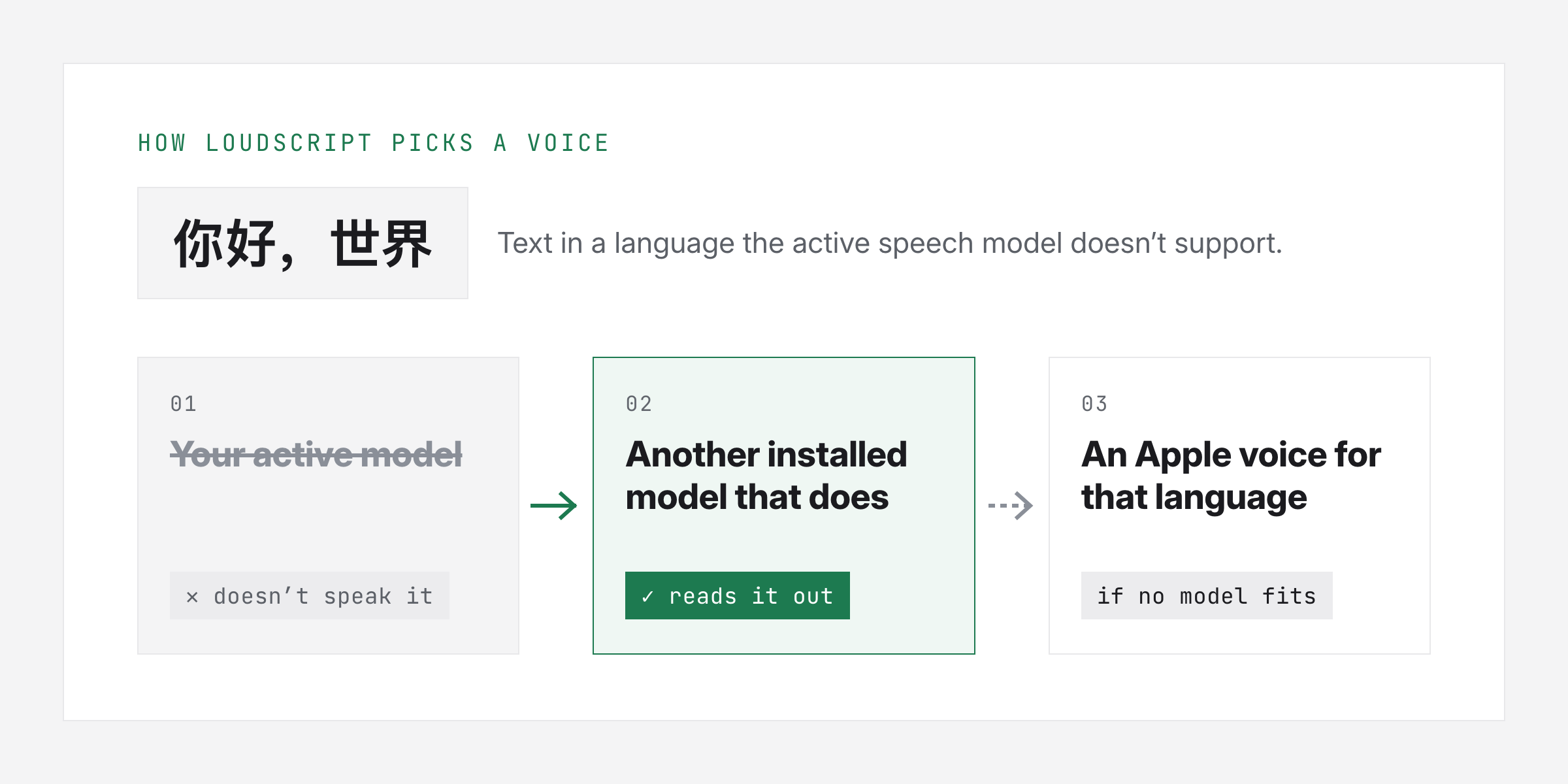
LoudScript now falls back to a supported custom text-to-speech (TTS) model when the active model doesn’t support the language of the text it’s reading out.
An easier model selector
I also made significant improvements to the model selector. It should now be easier to switch between custom TTS models, download them, and delete them if you want.
Faster starts
Over the past week, I’ve mainly focused on performance: how quickly the text-to-speech models respond. When you use the read shortcut, you expect it to start reading quite fast.
What’s next
Hopefully, these are significant improvements. I’ll analyze product usage to see whether there are still stability improvements to be made. I’ll also look into supporting more text-to-speech models from other providers that run locally.
Still free
As of right now, I have no intention of monetizing LoudScript. It’s completely free to use.